Answer a question to unlock your apps
QuizLock puts a short quiz in front of the apps that eat your day. The phone stops just saying no and asks you something instead, so the ten seconds you spend getting in are ten seconds you learn in.
Free, with an optional Premium. Android.
Three steps, then it stays out of your way
Set it once. After that the only thing you ever see is the question.
Pick the apps
Choose the ones that take your time — social, video, games. Everything else is left alone.
Set a daily limit
From one minute to ninety. When an app passes it, the lock screen comes up instead.
Answer to get in
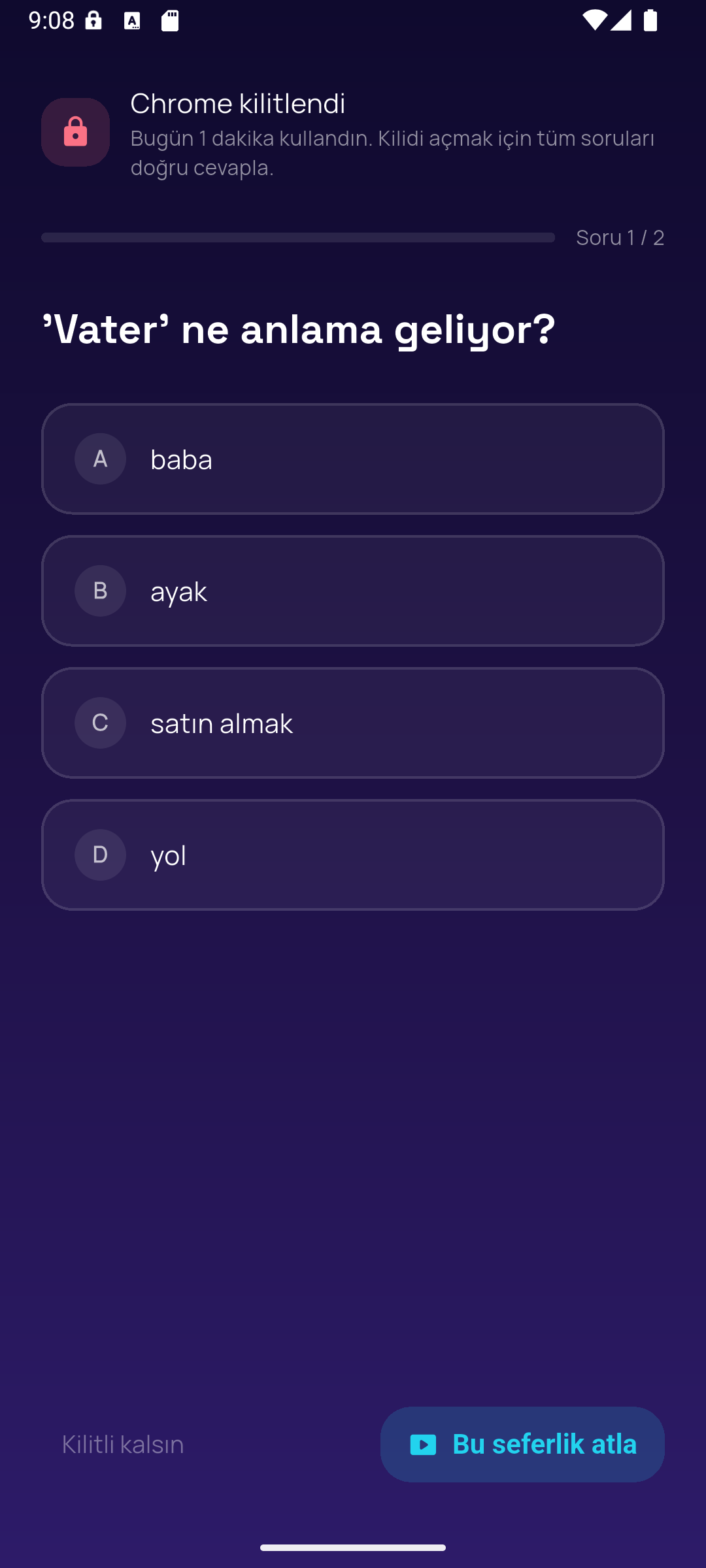
A few questions from the categories you picked. Get them right and you are back where you were.
What it looks like
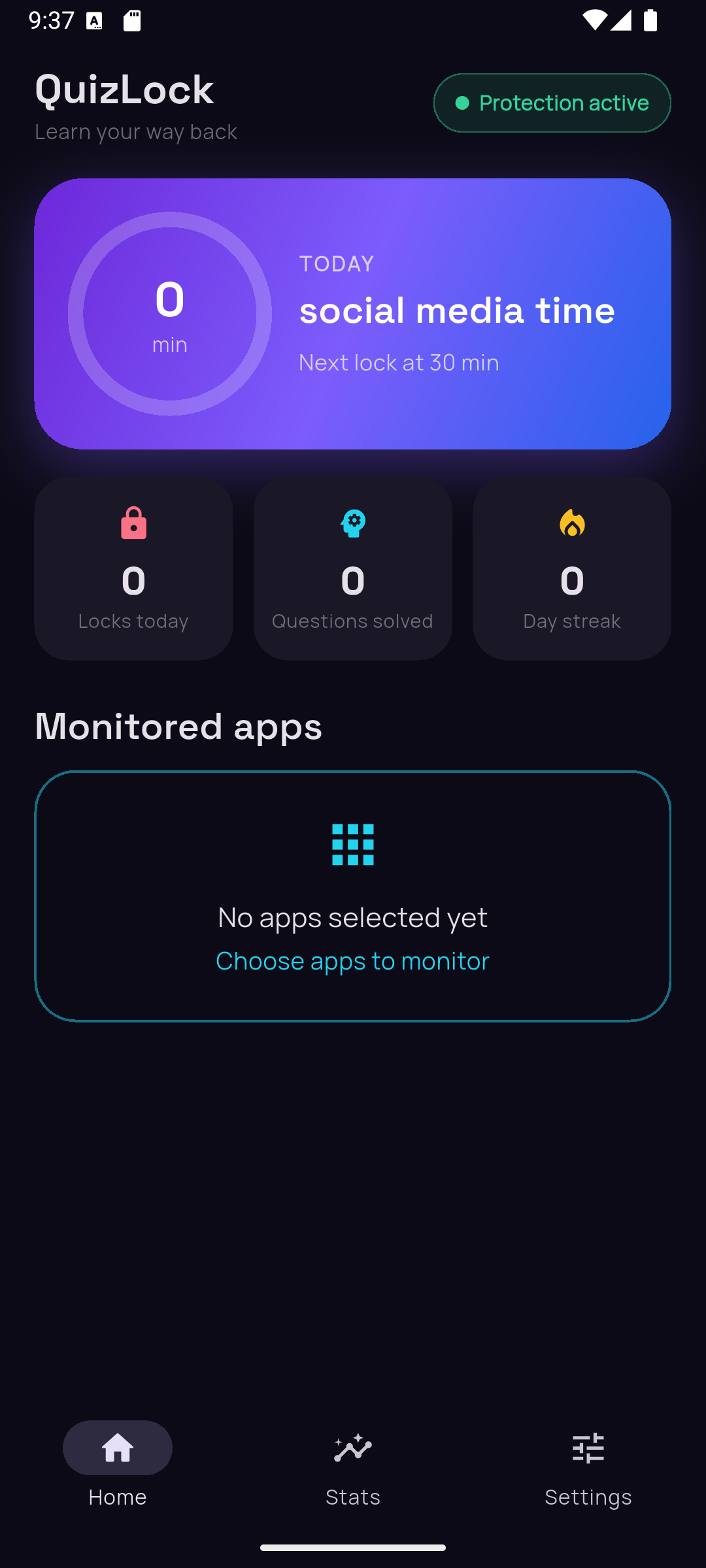
A dashboard that tells you the truth, and a lock screen that is not a wall.
Built to be lived with
The parts that matter once the novelty wears off.
A bank that does not repeat
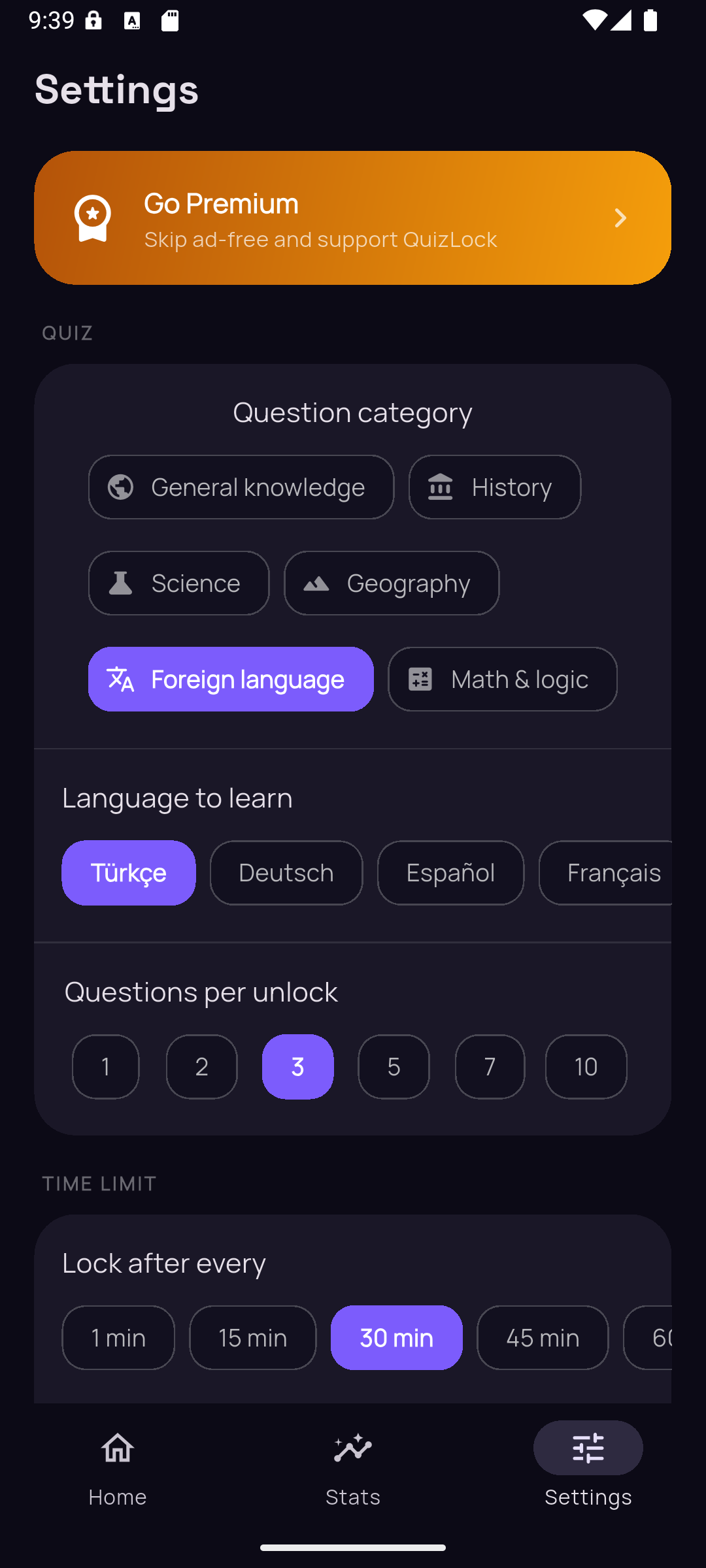
212,000+ questions across general knowledge, history, science, geography, language, maths, sports, technology and film & music.
Wrong answers come back
Spaced repetition brings a missed question round again later, so a wrong answer turns into something learned rather than something counted.
Kids mode
PIN-protected, completely ad-free, and only easy age-appropriate questions from gentle categories. Settings stay behind the PIN.
Time bank
Practise when you feel like it and bank the minutes. Spend them later to skip a lock you do not have time for.
Streaks that forgive
A streak freeze is earned every few days and spends itself automatically when you miss one, so a single bad day does not undo a month.
It stays on your phone
Screen-time data, the apps you monitor and your statistics are stored locally. No account, no servers of ours, nothing sold.
Ten languages, all the way down
Interface, notifications and the questions themselves — not just the menus.
Premium
Monthly or yearly, cancel any time.
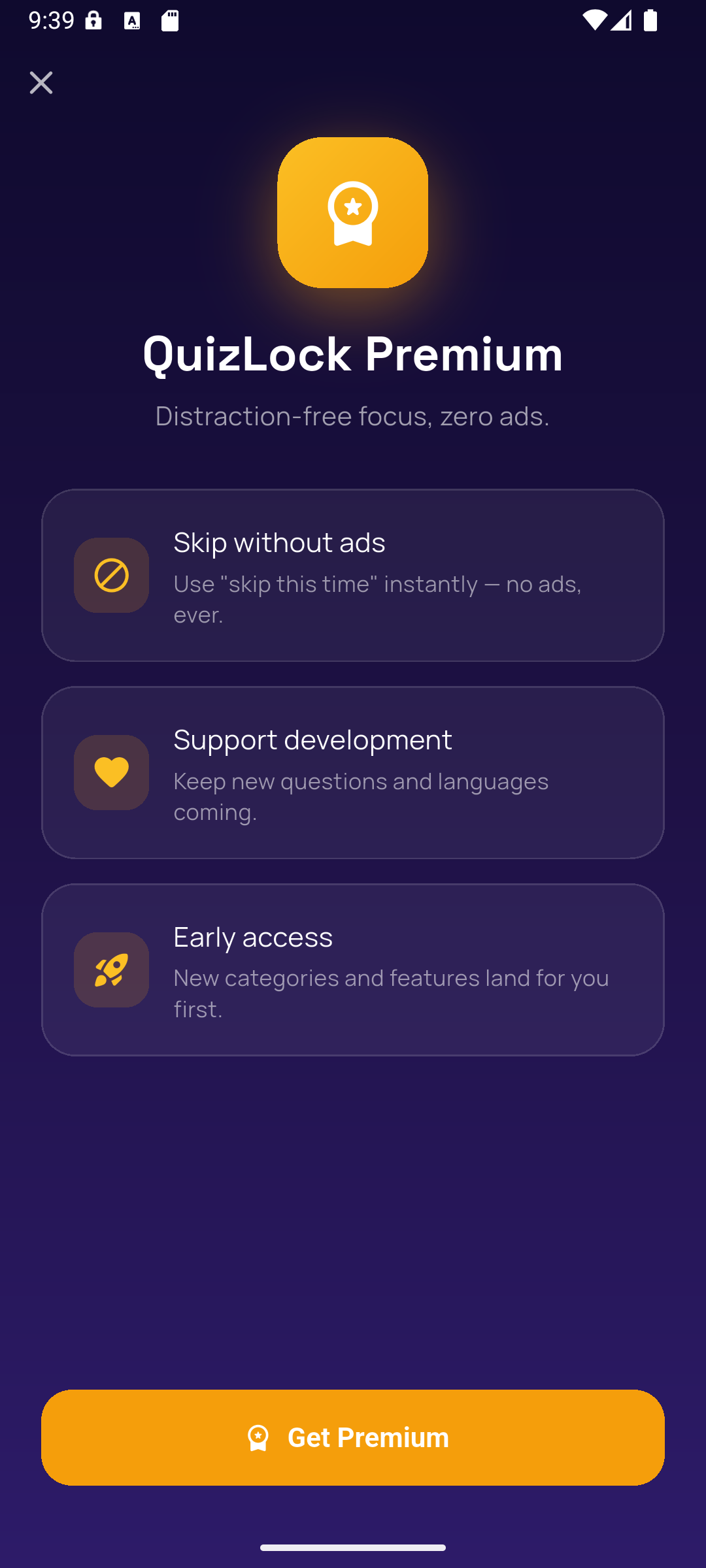
- No ads anywhere in the app
- Exam packs — driving licence and YDS question sets
- Google Drive backup of your stats, streak and settings
- Skip a lock without watching anything
- It keeps a one-person studio building this
Questions people ask
Can I get past the lock without answering?
Yes, deliberately. You can watch a short ad, or spend minutes you banked by practising earlier. A lock you can never get through stops being a tool and starts being a problem.
Does it read what I do in other apps?
No. Android's Usage Access tells QuizLock how long an app was in the foreground and nothing about what happened inside it. The names of the apps you monitor never leave your phone.
Why does it need "display over other apps"?
To draw the quiz over the app you just opened. Some phones — Xiaomi and relatives — also want their own "show pop-up windows while running in the background" permission, and QuizLock tells you if it catches that happening.
Will it drain my battery?
The monitor runs on its own background thread and samples usage periodically rather than continuously. It is built to be invisible in battery stats; if it is not on your phone, write to us.
I have a promo code.
Open Premium in the app and tap "Have a promo code?". Enter it there and the Play Store takes over; Premium switches on by itself once Play confirms the code.